
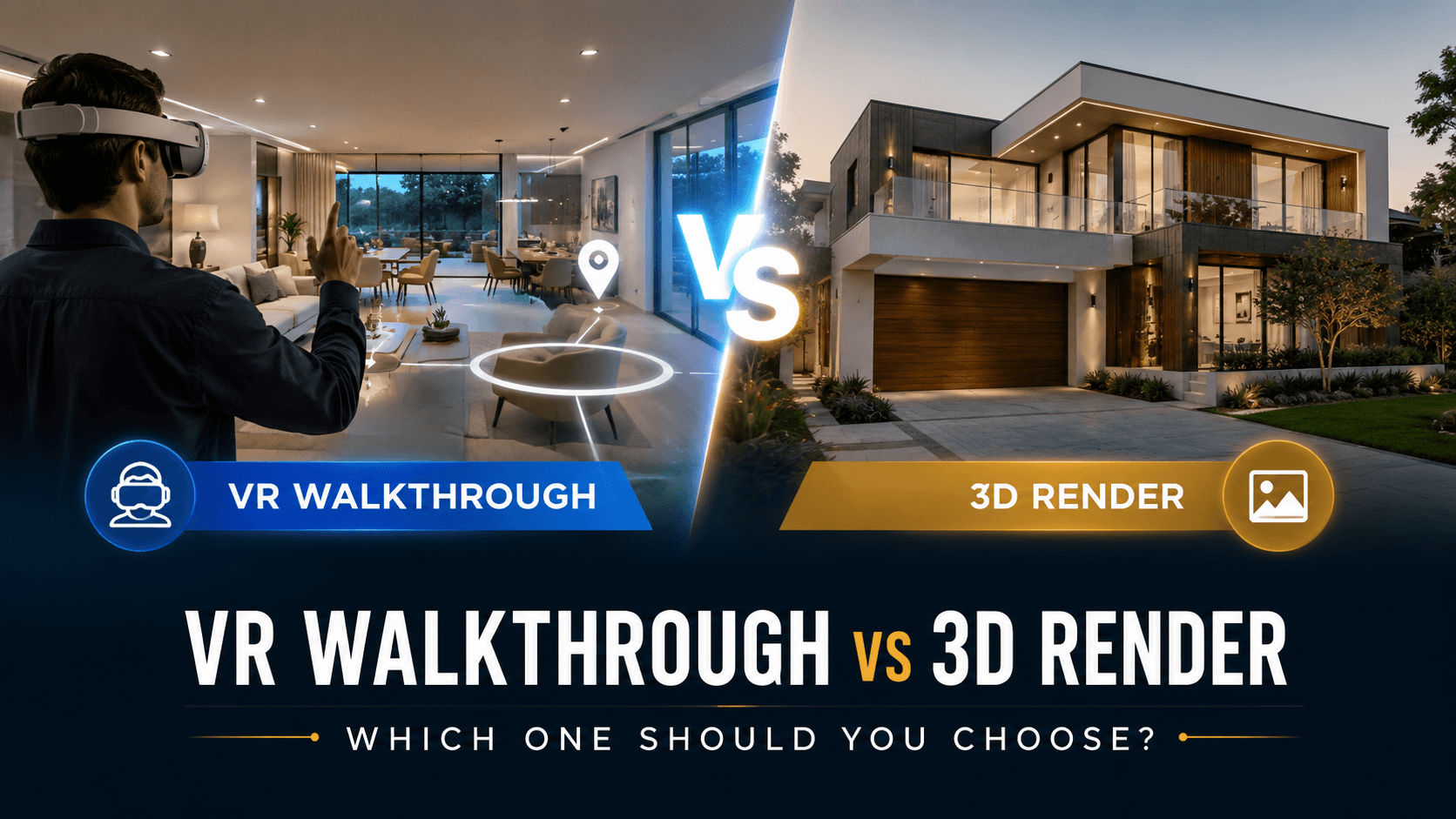
Developers planning their visualization budget almost always ask the same question: should we go with a 3D render, or invest in a full VR walkthrough? Both look impressive in a presentation, but they serve very different purposes.
A 3D render is a still image. A VR walkthrough is an explorable space. Choosing the wrong one for your stage of marketing can mean wasted spend, or worse, a missed opportunity to convert a serious buyer.
This guide breaks down the real differences between the two, where each works best, and how developers we work with at CYMAX decide which one to commission for a given project stage.
What Is a 3D Render?
A 3D render is a high-quality, photorealistic still image of a building, unit interior, or elevation. It is created from a 3D model but delivered as a fixed picture, much like a professional photograph of something that does not exist yet.
Renders are excellent for hero images on a website, brochure covers, hoardings, and social media ads. They are quick to produce, easy to share, and instantly understandable to anyone who sees them.
The limitation is that a render shows one angle, one moment, one version of the space. If a buyer wants to see the view from a different room, you need an entirely new render.
What Is a VR Walkthrough?
A VR walkthrough is a fully built, explorable 3D environment. Instead of viewing one fixed image, the buyer moves through the space, room to room, floor to floor, choosing where to look and how long to stay.
It can be experienced through a VR headset, a VR chair at an expo, or simply through a browser or mobile app with mouse and touch controls. The defining feature is interactivity. The buyer controls the experience instead of just viewing it.
This makes a walkthrough particularly powerful for high-value decisions like apartment or villa purchases, where buyers want to genuinely understand the space, not just admire a picture of it.
Key Differences Explained Simply
- Format: a render is a static image; a walkthrough is an interactive environment
- Buyer control: renders are passive viewing; walkthroughs let the buyer explore freely
- Scope: one render shows one angle; one walkthrough can cover an entire project
- Best use: renders work well for ads and brochures; walkthroughs work well for sales conversations and site visits
- Update flexibility: renders need to be remade for changes; a walkthrough model can often be adjusted within the same build
Neither format is universally ‘better.’ They solve different problems at different stages of the buyer journey.
Cost and Timeline Comparison
3D renders are generally faster and more affordable to produce, especially when only a handful of hero shots are needed for marketing. A single elevation render or a couple of interior shots can often be turned around within days.
VR walkthroughs require more upfront modelling work since the entire space, not just one camera angle, has to be built accurately. This means a longer production timeline and a higher investment, but the asset is reusable across many more touchpoints once it is built.
Most developers we work with treat renders as a marketing expense and a VR walkthrough as a sales tool, almost like building a digital sample flat that never needs repainting.
Which One Converts Buyers Faster?
Renders are excellent at generating initial interest. A striking elevation image stops the scroll on Instagram or catches attention on a Google Display ad. That is their job, and they do it well.
Walkthroughs, on the other hand, tend to convert interest into commitment. Once a buyer is genuinely considering a project, being able to explore it themselves answers far more objections than another static image could.
In our experience running paid campaigns for projects like VR Architecture Leads, the strongest funnels use renders to attract clicks and walkthroughs to close the deal once a lead has shown real intent.
When to Use Both Together
The most effective developers do not choose one over the other. They sequence them deliberately across the sales funnel.
- Renders for hoardings, Meta Ads creatives, and brochure covers to drive initial awareness
- Walkthroughs for landing pages, WhatsApp follow-ups, and sales office presentations to drive conversion
- Renders for press releases and project launch announcements
- Walkthroughs for NRI and remote buyer consultations where a physical visit is not possible
Used this way, renders and walkthroughs are not competing budgets, they are two stages of the same sales journey.
Real Project Example: How CYMAX Applies This
For Gangothri Developers and Vamshiram Builders, CYMAX produced a combination of high-impact elevation renders for early marketing, followed by full VR walkthroughs once the floor plans were locked, used directly by the sales teams during buyer meetings.
On larger format projects such as the Manchester Campus, renders were used for stakeholder presentations and approvals, while a walkthrough gave decision-makers the ability to actually move through the proposed layout before construction sign-off.
This staged approach gave each project both fast, attention-grabbing marketing assets and a deeper, trust-building tool for serious buyers.
Benefits at a Glance
- Renders: fast turnaround, lower cost, ideal for ads and brochures
- Walkthroughs: deeper buyer engagement, stronger conversion at the decision stage
- Using both together covers the full funnel from awareness to closing
- Walkthroughs reduce repeat site visits by answering buyer questions upfront
- Renders remain useful for press, hoardings, and quick creative refreshes
Frequently Asked Questions
Is a VR walkthrough always more expensive than a render?
Generally yes, because it involves building a full explorable environment rather than a single image. However, the walkthrough can be reused across many more channels.
Can a 3D render be turned into a VR walkthrough later?
Often yes, since both are built from an underlying 3D model. Expanding a render project into a full walkthrough is usually more efficient than starting from scratch.
Which one should a first-time developer choose for a small project?
If budget is limited, start with strong hero renders for marketing, and add a walkthrough once you have qualified leads who need deeper engagement.
Do walkthroughs work without a VR headset?
Yes. Most walkthroughs CYMAX builds work on a browser or mobile device, with headset and VR chair support as an enhanced option for sales offices and expos.
How many renders does a typical project need?
It varies, but most projects use 5 to 10 key renders covering the elevation, clubhouse, and a few representative interiors.
Conclusion
A 3D render and a VR walkthrough are not rivals, they are different tools for different jobs. Renders catch attention. Walkthroughs build the trust needed to close a sale.
The right choice depends on where your buyer is in their journey. Smart developers use both, sequenced deliberately, to move a prospect from first glance to signed booking.
Also Read